
Why Offboarding Is a Security Problem, Not Just an HR Task
Every security team spends enormous energy on onboarding — provisioning the right access, enforcing least privilege, training new hires. Offboarding gets far less attention, yet it’s where some of the most preventable breaches happen.
A departing employee who still has VPN access three weeks after their last day. A shared Slack login never rotated after a contractor’s project ends. An admin account tied to a terminated IT staffer’s personal email for recovery. These aren’t hypothetical — they’re the kind of gaps that show up repeatedly in post-incident reviews, because offboarding sits at the intersection of HR, IT, and security, and nobody owns the full process end to end.
For SMBs in the GCC and beyond, this matters even more. Smaller teams often rely on informal processes: a manager tells IT "so-and-so left," and access gets revoked whenever someone remembers. That informality is exactly what attackers — and disgruntled former employees — exploit.
This article gives you a complete, actionable employee offboarding security checklist, organized by timing: before departure, on the last day, and after they’re gone. It also covers the SaaS sprawl problem, contractor and third-party access, and the automation that makes this sustainable as your organization grows.
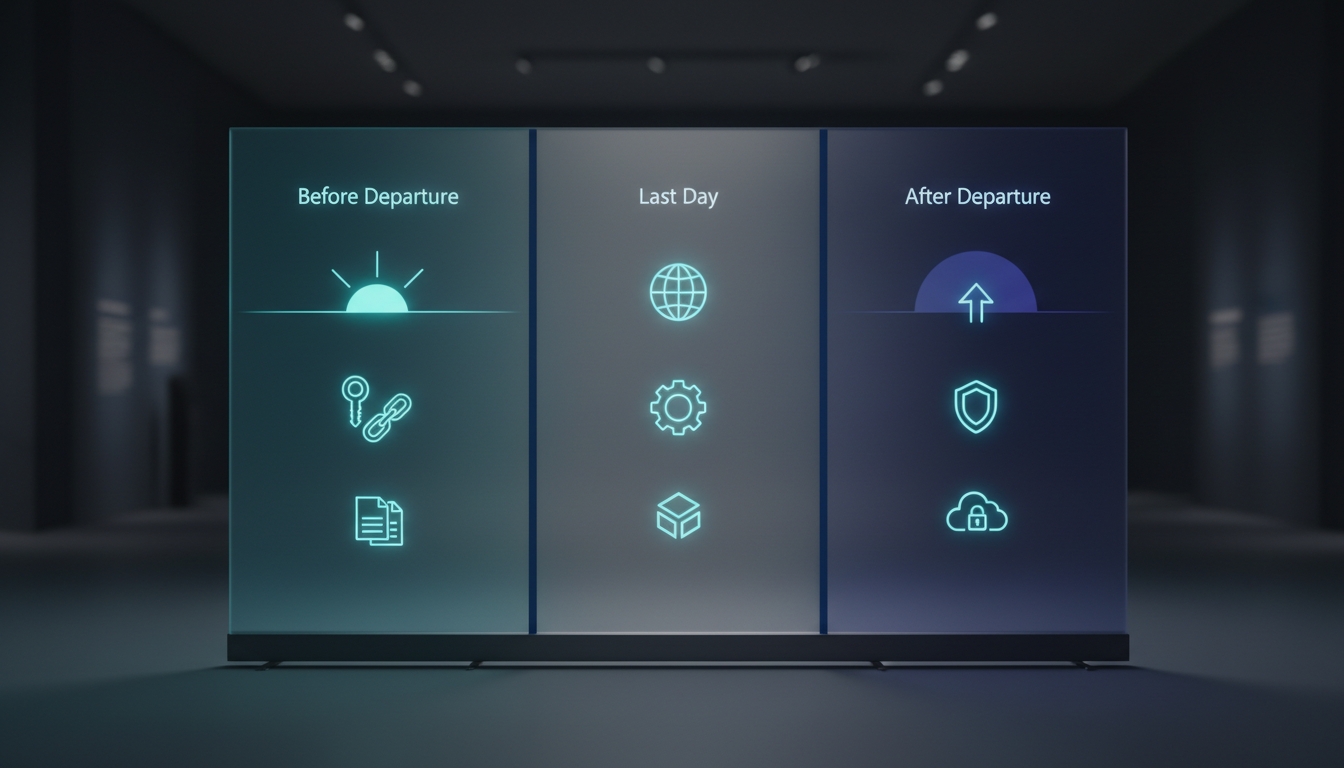
The Three Phases of an Employee Offboarding Security Checklist
Phase 1: Before the Employee Leaves
Offboarding security starts before the exit interview, not during it.
Maintain a live access inventory. You cannot revoke what you don’t know exists. Every employee should have a documented list of accounts, systems, and permissions tied to their identity — ideally pulled automatically from your identity provider (IdP) rather than maintained in a spreadsheet. If you don’t have this today, building it is the single highest-value step you can take.
Classify access by risk. Not all access is equal. Separate:
- Standard access (email, productivity suite, ticketing system)
- Privileged access (domain admin, database admin, cloud root/IAM roles, production SSH keys)
- Shared/service accounts the person knew the credentials to
Privileged and shared-credential access needs faster, higher-priority revocation.
Get advance notice whenever possible. For voluntary resignations, HR typically knows weeks ahead. Use that window to plan a clean transition of responsibilities and to flag any access that needs special handling (e.g., sole administrator of a critical system).
For involuntary terminations, assume zero notice. Security and IT must be looped in before the person is told, not after. If a termination is planned for 10:00 AM, access revocation should be scheduled to execute at 10:00 AM — not sometime that afternoon.
Phase 2: The Last Day — Revocation Checklist
This is the core of the process. Work through it systematically, not from memory.

Identity and authentication
- Disable the account in the central identity provider (Azure AD/Entra ID, Okta, Google Workspace, etc.) — this is the single action with the highest leverage, since it cuts SSO access to every federated application.
- Revoke all active sessions and refresh tokens, not just the password. A disabled account with an active session token can still function until that token expires or is forcibly killed.
- Remove or disable MFA enrollments and registered devices.
- Reset any shared or service account credentials the employee had access to or knowledge of.
Email and communication
- Convert the mailbox to a shared mailbox or set up forwarding/auto-reply as the business requires (coordinate with HR/legal on retention).
- Remove the account from distribution lists and shared calendars.
- Revoke access to connected email-linked apps (password managers, e-signature tools, CRM logins tied to email-based SSO).
Endpoints and devices
- Collect company-owned laptops, phones, tokens, and access badges.
- Remotely wipe or lock company devices that won’t be physically returned immediately (especially relevant for remote/hybrid staff).
- Remove the device from MDM/endpoint management and revoke its certificates.
- For BYOD, remove corporate profiles and app-level access (Intune, Jamf, or equivalent containerization).
Cloud and infrastructure
- Remove the user from all cloud IAM roles and groups (AWS IAM, Azure RBAC, GCP IAM).
- Revoke API keys, access tokens, and SSH keys issued to or known by that individual.
- Rotate any credentials the person had direct knowledge of, even if technically "assigned" to a service rather than a person — if they set it up or had root/admin access, treat it as compromised by default.
- Remove them from CI/CD pipelines, source code repositories, and production deployment permissions.
SaaS and third-party applications
- This is where most offboarding fails. The average mid-sized company uses dozens to hundreds of SaaS tools, and many are never connected to central SSO.
- Pull a list of every SaaS app the employee had standalone (non-SSO) credentials for — password managers are a good source of truth here — and revoke each individually.
- Remove them as an admin/owner from tools like your CRM, marketing platforms, cloud storage, and project management software.
Physical access
- Deactivate badge/key fob access to offices, server rooms, and data centers.
- Change physical locks or safe combinations if the employee had access to high-security areas and no electronic access control exists.
- Remove them from visitor/approval lists and alarm system codes.
Financial and administrative systems
- Revoke access to banking portals, payroll systems, expense platforms, and vendor management tools.
- Remove them as an approver or signatory on any financial workflows.
Phase 3: After Departure — Verification and Cleanup
Revocation isn’t the end of the process; verification is what proves it actually worked.
- Run an access review 24–48 hours after offboarding to confirm every system shows the account as disabled or removed, not just "pending."
- Check authentication logs for any login attempts from the departed employee’s account after the termination date — this both validates the revocation and flags attempted misuse.
- Audit data exfiltration risk: review the 30 days prior to departure for unusual download volumes, mass email forwarding rule changes, or large file transfers to personal cloud storage.
- Archive or transfer ownership of files, shared drives, and documents the employee owned individually, so business continuity isn’t disrupted.
- Document the offboarding in a ticket with timestamps for each revocation step — this is your audit trail if questions arise later, and it’s often required for SOC 2, ISO 27001, or PDPL/GDPR-related audits.
Contractors, Vendors, and Third Parties
Offboarding checklists often focus only on employees, but contractor and vendor access is frequently the longer-lived risk.
- Set hard expiration dates on contractor accounts tied to the contract end date, rather than relying on manual revocation.
- Treat any vendor with standing access to your systems (MSPs, outsourced helpdesk, auditors) with the same rigor — know exactly what they can access and review it quarterly.
- When a vendor relationship ends, revoke their access immediately and confirm they’ve destroyed or returned any data extracts, backups, or credentials they held.
Automating Offboarding at Scale
Manual checklists work for small teams but break down as headcount grows. The fix is identity governance automation:
- Single Source of Truth: Tie offboarding triggers directly to your HRIS (Workday, BambooHR, etc.) so that a termination event in HR automatically kicks off access revocation workflows — this closes the gap between "HR processed the termination" and "IT found out."
- SCIM-based provisioning: System for Cross-domain Identity Management (SCIM) lets your IdP push de-provisioning events to connected SaaS apps automatically, rather than requiring someone to log into each app individually.
- Just-in-Time (JIT) access: Reduce standing privileged access in the first place. If engineers request temporary elevated access rather than holding it permanently, there’s less to revoke when they leave.
- Automated access reviews: Quarterly or monthly recertification campaigns catch orphaned accounts and stale permissions that slipped through ad hoc offboarding.
For a 10-person company, a checklist and a shared spreadsheet may be enough. For a 200-person company, if offboarding isn’t automated and tied to HR data, something will be missed — it’s a matter of when, not if.
Common Mistakes and Misconceptions
"We disabled their email, so we’re done." Email is one app among potentially dozens. SSO coverage gaps mean standalone SaaS logins, VPN credentials, and shared accounts often survive the "offboarding" process untouched.
"They were friendly when they left, so there’s no risk." Insider risk isn’t just about malice. Former employees with lingering access are a liability even with zero bad intent — their credentials become an attack surface for phishing, credential stuffing, or simple account takeover.
"IT will handle it whenever they get to it." Offboarding without a defined SLA (e.g., privileged access revoked within 1 hour, standard access within 24 hours) means it happens on IT’s schedule, not the risk’s schedule.
"We only need to worry about full-time employees." Contractors, interns, and vendors with standing access are offboarded far less consistently than employees, despite often having similar system access.
"Shared accounts don’t need rotation." If a departing employee knew the password to a shared service account, admin console, or API key, that credential is compromised from a security standpoint — whether or not you believe they’d misuse it.
FAQ
How fast should access be revoked after termination?
Privileged and administrative access should be revoked immediately — ideally within the same hour as notification, especially for involuntary terminations. Standard access should be revoked within 24 hours. The exact SLA should be documented in policy and tied to your HRIS trigger, not left to individual judgment.
What’s the single biggest gap in most offboarding processes?
Standalone SaaS accounts that aren’t connected to central SSO. Companies focus on email and the domain, then miss the dozen SaaS tools an employee logged into with a separate username and password.
Should we involve legal or HR in offboarding, or is this purely an IT task?
It must be cross-functional. HR owns the termination timing and communication, legal advises on data retention and local labor law (relevant for notice periods and data handling under regulations like UAE’s PDPL), and IT/security execute the technical revocation. A documented handoff between these three functions is what prevents delays.
Do we need different processes for voluntary resignations versus terminations for cause?
The checklist items are the same, but the timing and order differ. Voluntary resignations allow a planned transition window; terminations for cause require access to be cut before, or simultaneously with, the notification conversation.
How do we offboard someone who manages our cloud infrastructure or holds root credentials?
This requires special handling: rotate root/root-equivalent credentials, audit all IAM policies they created, and review infrastructure-as-code repositories for backdoors or hardcoded credentials before and after their departure. Never leave this until a routine offboarding cycle — treat it as a priority incident-adjacent task.
Free Resources
- CIS Critical Security Controls — See Control 5 (Account Management) and Control 6 (Access Control Management) for prioritized, actionable guidance directly relevant to offboarding.
- NIST SP 800-53 Rev. 5 — The AC (Access Control) family, particularly AC-2 (Account Management), is the authoritative baseline many compliance frameworks reference.
- CISA Cross-Sector Cybersecurity Performance Goals — Practical, free baseline goals including account management and access revocation practices suitable for SMBs.
- NIST Digital Identity Guidelines (SP 800-63-3) — Foundational guidance on identity lifecycle management, including deprovisioning.
- IETF RFC 7644 — SCIM Protocol — The technical standard behind automated, cross-application de-provisioning; useful for teams building or evaluating automated offboarding.
Takeaways and Next Step
Secure offboarding isn’t a single action — it’s a sequence of identity, device, cloud, SaaS, and physical access revocations that need to happen in a defined order, with verification, and within a clear time window. The biggest risk isn’t malicious former employees; it’s the access nobody remembered to revoke.
Your next step: pull up your last five offboarding tickets and check them against the checklist above. If any SaaS app, shared credential, or privileged account wasn’t explicitly addressed, you’ve just found your current gap — and the place to start building a documented, repeatable process this week.